Then your team
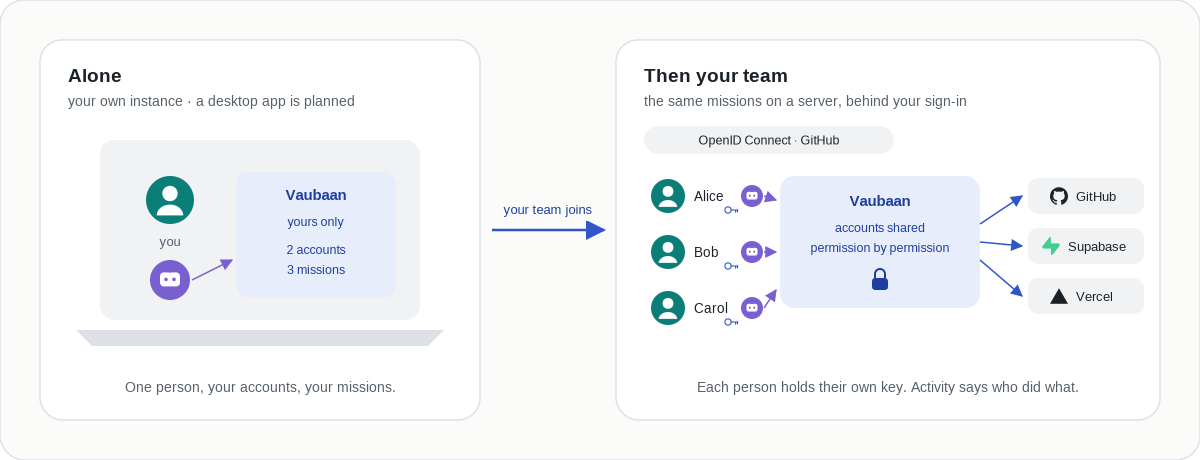
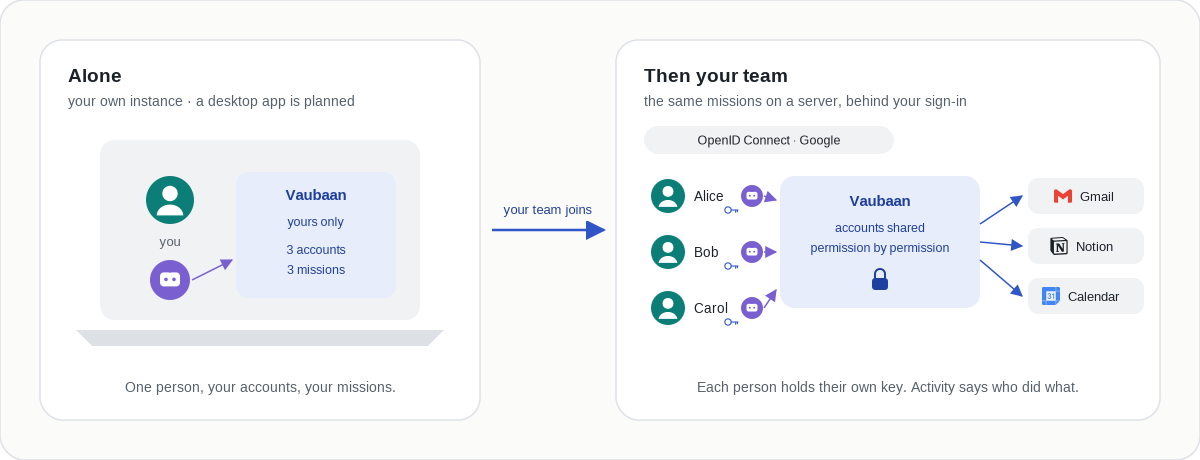
A team runs the same Vaubaan on a server: people sign in through your identity provider, GitHub or the instance’s own accounts, accounts are shared permission by permission, each person holds their own keys, and every call says whose key made it.
GitHub and Supabase: GitHub has run real tools on a live instance, Supabase its discovery only (known limitations).
Gmail, Notion and Google Calendar: modelled from their public documentation and tested against doubles; none of them has run against the real service yet (known limitations).
The same missions, more people
- Sign-in: OpenID Connect (Google and Entra ID run live), GitHub, or accounts kept by the instance with a second factor.
- Shared accounts, not shared credentials: an account’s owner gives a person or a team the permissions they may use in a mission; the credential stays encrypted on the instance.
- One key per person: a teammate working on your mission holds a key of their own; replace or stop it alone.
- The yes from a phone: install the instance as a web app and answer what waits for you; the mission’s creator answers.
- Who did what: Activity lists every call and every change, by mission, account, decision and key holder.
What one instance is
One image, one process, one embedded database, behind your TLS proxy. There is no high availability: a restart is an outage, and what changed since the last scheduled backup is lost with the host. People removed at your identity provider stay active until an administrator deactivates them.
For your security reviewer
Send them the trust center: what Vaubaan protects and what it does not, what leaves an instance, the supply chain, the accepted risks and how to report a vulnerability. Vaubaan is pre-release and has had no third-party audit; the page says so too.
Install itBuilt
Two ways: Docker Compose on a host with a DNS name and ports 80 and 443, or Railway. Or paste one block into your coding agent: it installs with Compose, asks you what only you know, and checks the result. The first sign-in and every yes stay with you.
This page as Markdown: /teams.md