Try Vaubaan
Three ways to start today, from a demo on your laptop to your own instance behind your sign-in; a desktop app for macOS and Windows is planned, and this page will offer it first the day it ships.
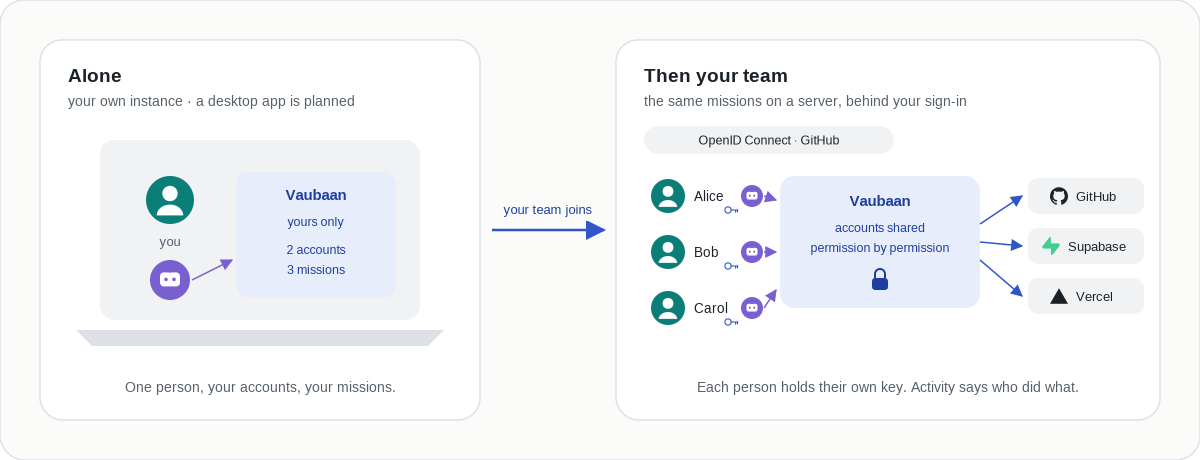
GitHub and Supabase: GitHub has run real tools on a live instance, Supabase its discovery only (known limitations).
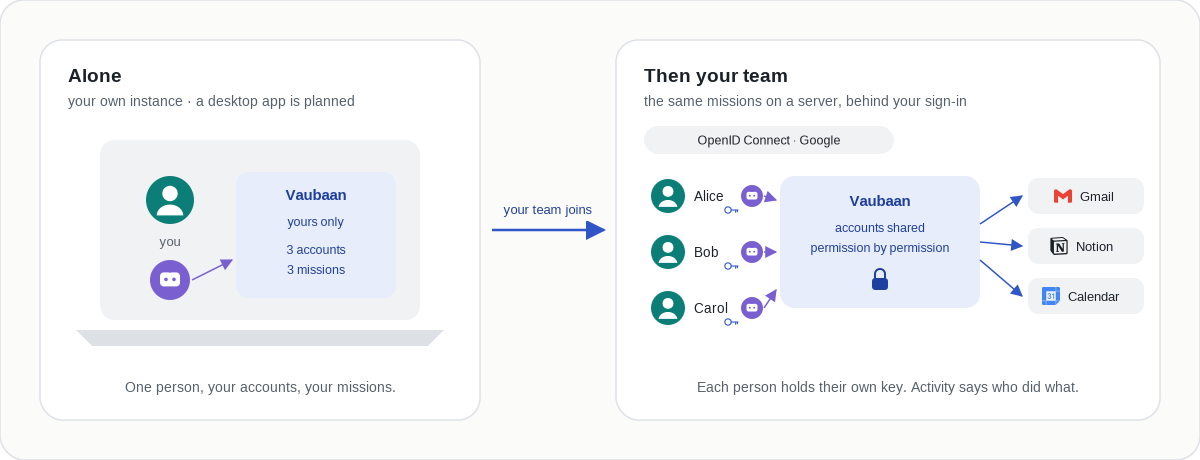
Gmail, Notion and Google Calendar: modelled from their public documentation and tested against doubles; none of them has run against the real service yet (known limitations).
See it work: the demoBuilt
The whole interface on your laptop with seeded people, accounts and missions, a simulated sign-in and simulated services: nothing to register, nothing leaves your machine. Needs Node.js 26, npm 11 and a clone of the repository; the first start builds the application. You will see missions in every state, a merge waiting for a yes, a limit reached, and every call in Activity.
Your own instanceBuilt
One image on a host you run, with a DNS name and ports 80 and 443 (Docker Compose), or a Railway service. People sign in through your identity provider, GitHub, or the instance’s own accounts. Then connect an account, create a mission and give its key to your agent. Count an evening the first time.
Let your coding agent install itBuilt
Paste one block into Claude Code, Cursor or any agent with a shell on the host: it installs with Docker Compose, asks you the domain and the administrators, and checks the result.
On your computer, without a serverPlanned
A desktop app for macOS and Windows: Vaubaan on your own machine, without a DNS name or an identity provider. It is not built; there is nothing to download yet. What it will do is written down as proposed intents.
This page as Markdown: /try.md